Does Scroll require a subscription?
No. Scroll is a one-time $49 purchase with a lifetime license for up to three Macs and updates included. Cloud narration uses your own OpenAI API key, billed by OpenAI directly. A fully local-only mode needs no key and no subscription of any kind.
What macOS version does Scroll need?
Scroll requires macOS 26 Tahoe or later. It relies on recent system frameworks for on-device text extraction, Vision OCR, and local speech, so earlier macOS versions are not supported. It runs on any Mac that can install macOS 26 Tahoe.
Who pays for the OpenAI API usage?
You do, directly to OpenAI, with your own API key. Scroll never sees your key, your usage, or your bill — the key lives in your macOS Keychain and calls go straight from your Mac to OpenAI. Prefer no cloud usage? Local-only mode uses Apple's on-device models and the system voice.
Can Scroll run fully offline and locally?
Yes. Turn on local-only mode and nothing leaves your Mac: Apple's on-device models handle comprehension and the system voice handles speech. No OpenAI key is needed for local-only mode. Cloud mode is optional and only runs when you explicitly enable it.
Which apps and files does Scroll work with?
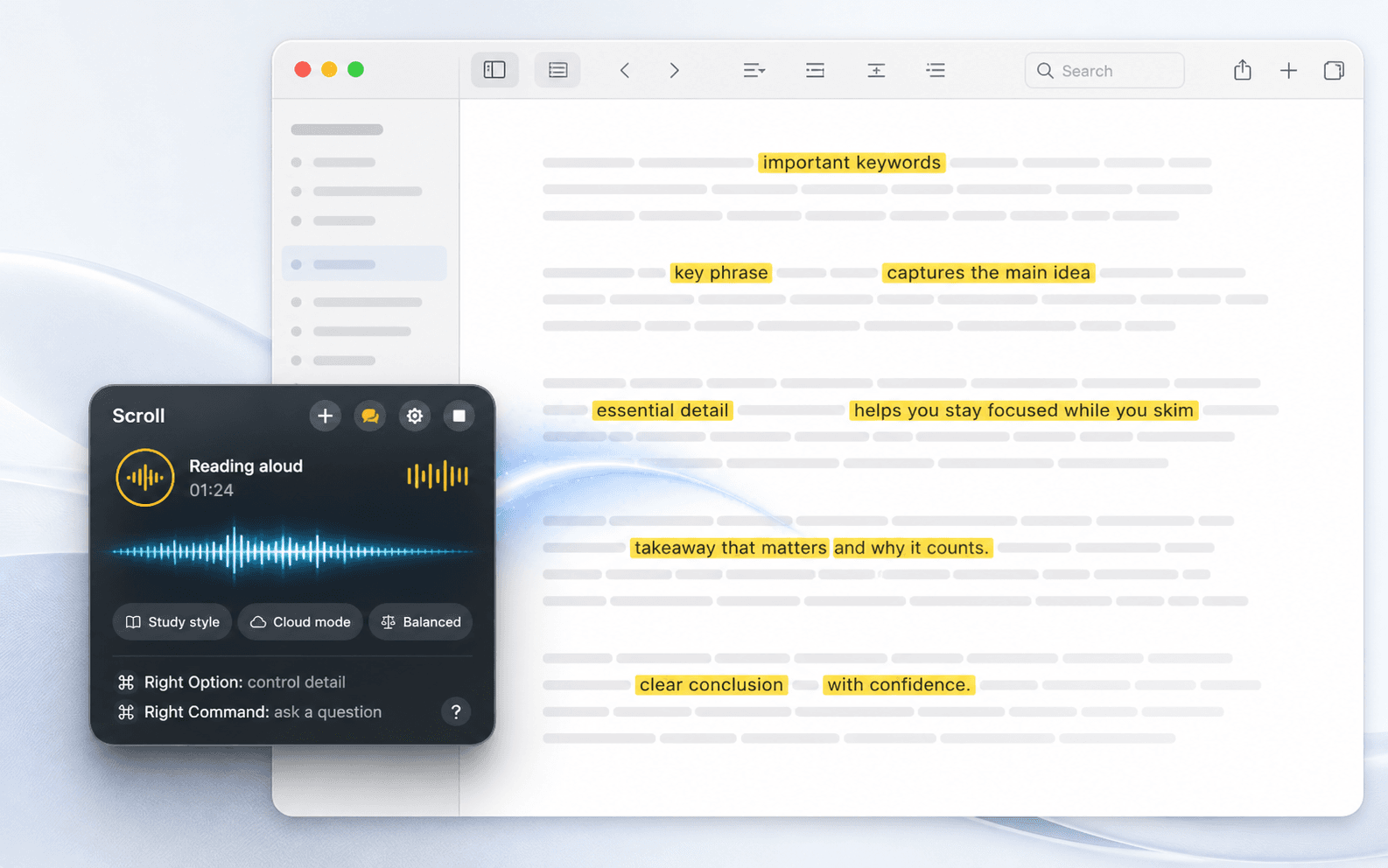
Scroll reads Safari, Chrome, Electron apps, Mail, Notes, Pages, and PDFs — plus anything Vision OCR can see on screen. It extracts the text locally, so if the content is visible on your Mac, Scroll can read it aloud or explain it in place.
How does Scroll protect my privacy?
Text is extracted on-device, and screen images are sent only when you enable visual context. You can keep an exclusion list of apps Scroll refuses to read, like banks or password managers, and emails, card numbers, and secrets are redacted before any text leaves your Mac.
Is there a free trial?
Yes — a 7-day free trial with every feature unlocked. It asks for your email only, with no credit card. After the trial, Scroll is a one-time $49 purchase with a lifetime license for up to three of your Macs.
What is the refund policy?
Scroll has a 14-day refund policy. Payments, receipts, and license keys are handled by Polar as the merchant of record, so refunds and billing questions go through Polar. You can request a refund within 14 days of your purchase.